Apple TV · tvOS 17+
VPN Setup on Apple TV (tvOS)
Connect Apple TV (tvOS 17 and newer) using INCY, UXWay, Shadowrocket, or Karing.
-
Step
Download INCY
1. Download INCY (Global App Store only). Temporarily unavailable in the Russian App Store — change your region or use UXWay.
2. Open, allow everything the app needs to work.
3. Enable XrayTUN in the app's Advanced Settings.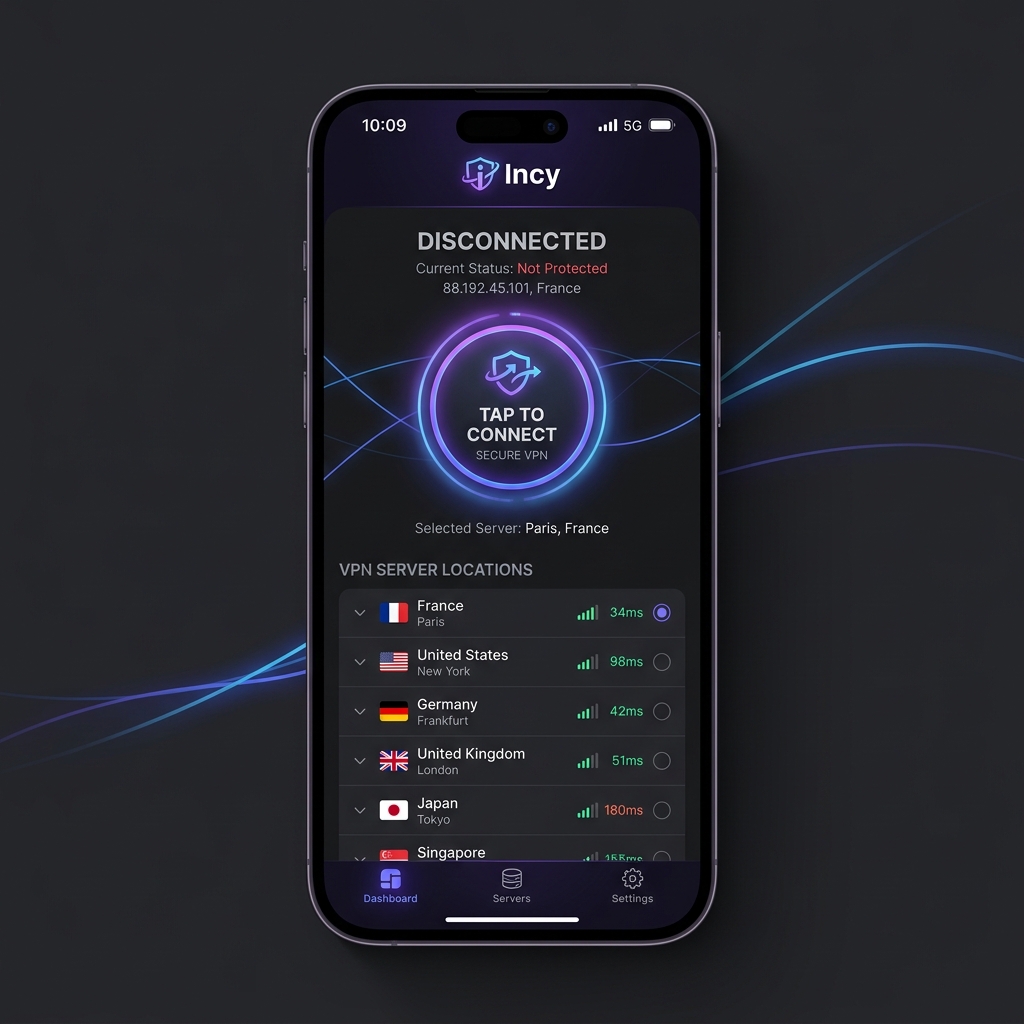
-
Step
Add a subscription to the app
Click on the button below to add a subscription. Check the Routing section -- the OutlineKeysRobot 4 JSON rule should be added automatically.
-
Step
App Installation
Open the page in App Store and install the app. Launch it, in the VPN configuration permission window click Allow and enter your passcode.
-
Step
Add Subscription
Click the button below — the app will open and the subscription will be added automatically
-
Step
Connect and use
In the main section, click the large power button in the center to connect to VPN. Don't forget to select a server from the server list.
-
Step
The app is in beta version.
This application was released quite recently and is under active development.
There may be issues with ping checks and routing. The server may be running, even though the ping shows n/a.
-
Step
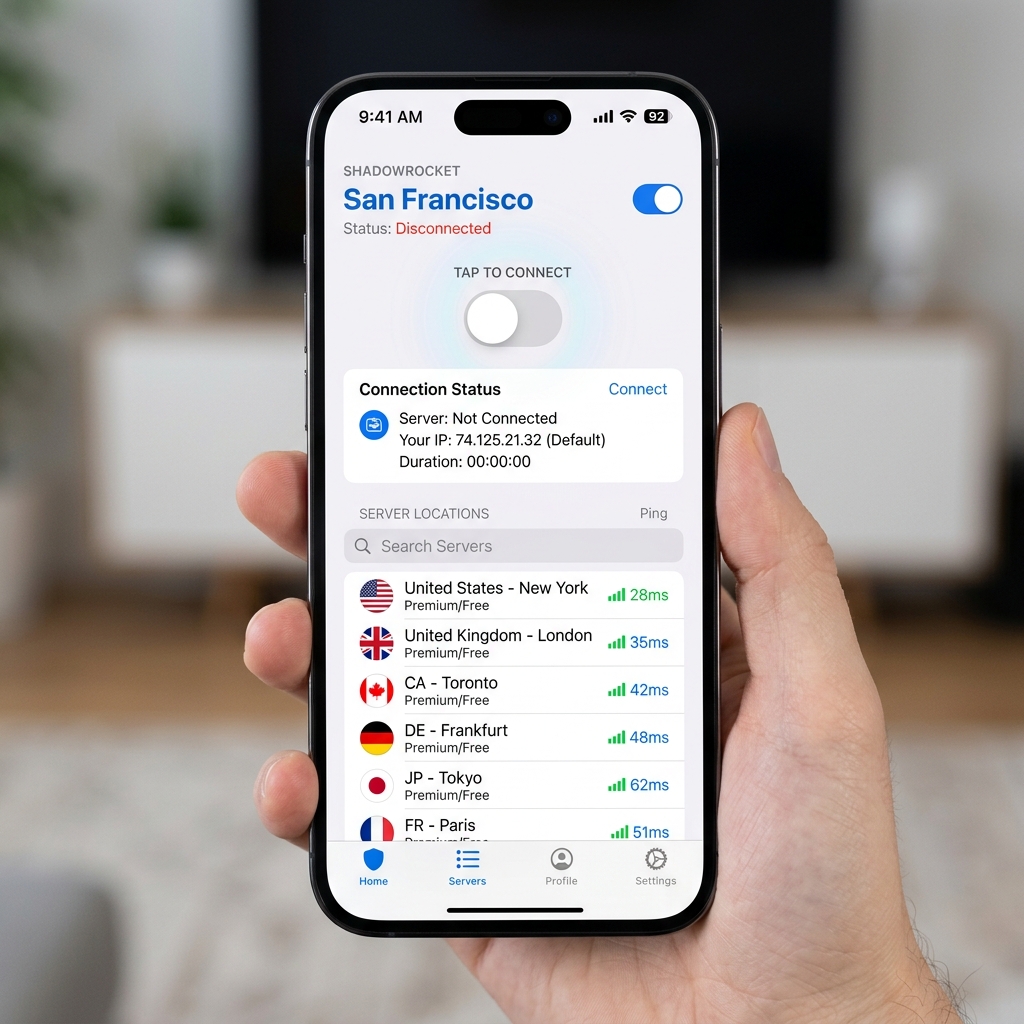
App Installation
Open the page in App Store and install the app. Launch it, in the VPN configuration permission window click Allow and enter your passcode.
-
Step
Enable HWID
Go to Settings section, find Update section, find the Subscribe item and toggle Send HWID to ON position
-
Step
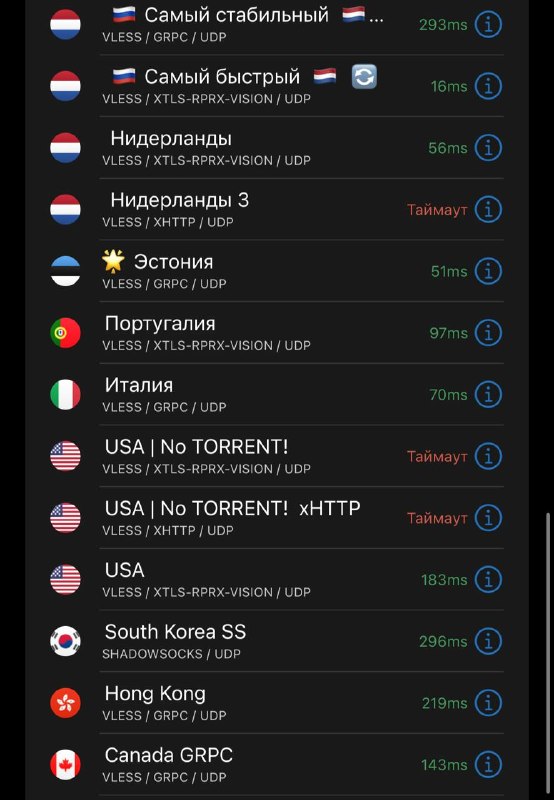
Add Subscription
Click the button below — the app will open and the subscription will be added automatically
-
Step
Add routing rules
By adding routing, internal websites and applications are not passed through the VPN
-
Step
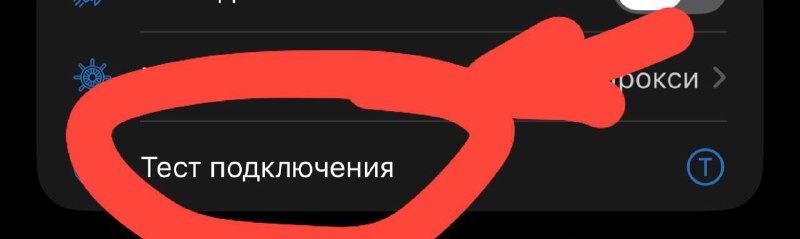
Connect and use
In the main section, click the large power button in the center to connect to VPN. Don't forget to select a server from the server list. If needed, choose another server from the server list.
-
Step
Download Karing
1. Download Karing
2. Open, allow everything the app needs to work. -
Step
Add a subscription to Karing
Click on the button below to add a subscription and connect.
Direct App Guides for Apple TV (tvOS)
You can switch apps using the tabs at the top of this page or open a dedicated permanent link for any client:
Need Help?
Ask our instant AI Assistant trained on all @OutlineKeysRobot manuals, open the bot to manage your keys, or message our support team.