Android · FlClashX
Installing & Configuring FlClashX on Android
Step-by-step guide to installing FlClashX on Android, importing your VLESS subscription in 1 click, and configuring routing.
-
Step
App Installation
Download and install FlClashX APK
-
Step
Add Subscription
Click the button below to add subscription
-
Step
If the subscription is not added
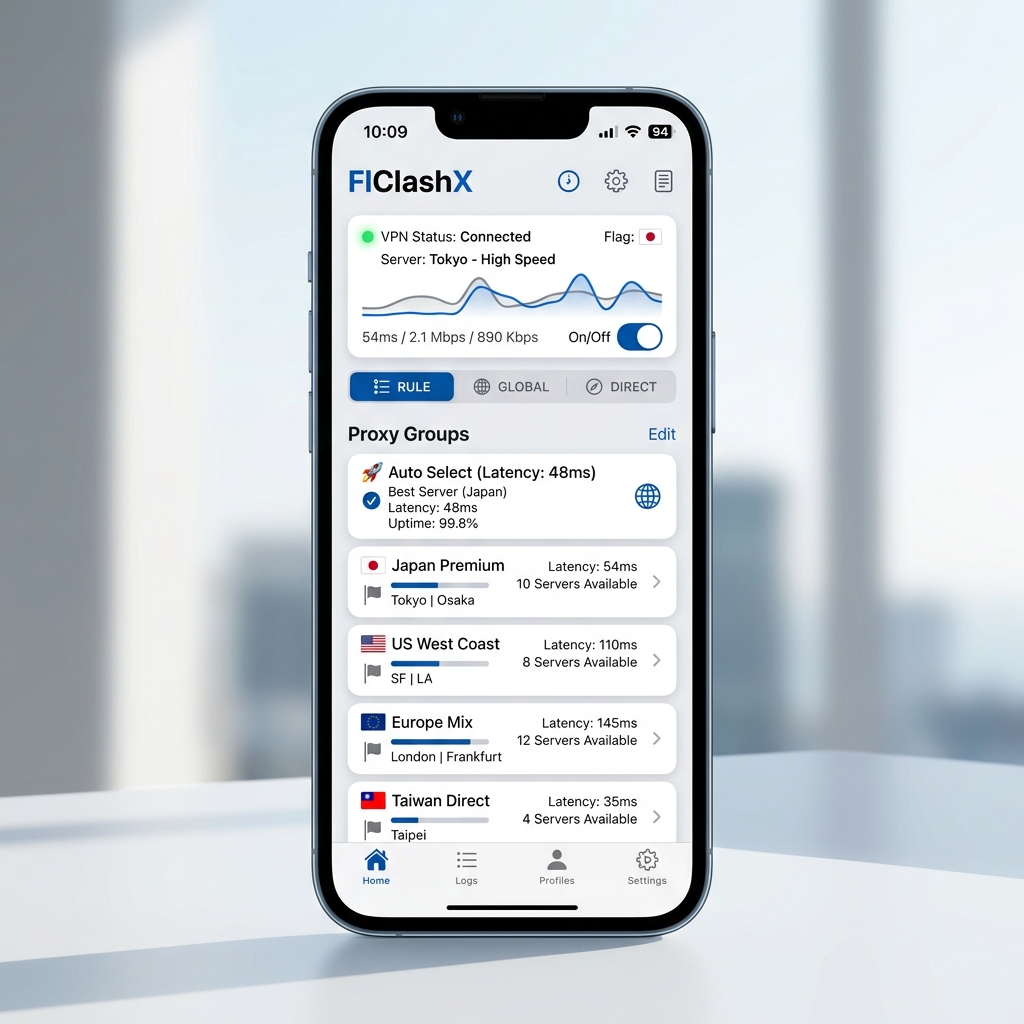
If nothing happens after clicking the button, add a subscription manually. Click the Get link button on this page in the upper right corner, copy the link. In FlClashX, go to the Profiles section, click the + button, select the URL, paste your copied link and click Send
-
Step
Connect and use
Select the added profile in the Profiles section. In the Control Panel, click the Enable button in the bottom right corner. Once it's running, you can change the server you're connected to in the Proxy section.
Need Help?
Ask our instant AI Assistant trained on all @OutlineKeysRobot manuals, open the bot to manage your keys, or message our support team.