iOS · Shadowrocket
Installing & Configuring Shadowrocket on iOS
Step-by-step guide to installing Shadowrocket on iOS, importing your VLESS subscription in 1 click, and configuring routing.
-
Step
App Installation
Open the page in App Store and install the app. Launch it, in the VPN configuration permission window click Allow and enter your passcode.
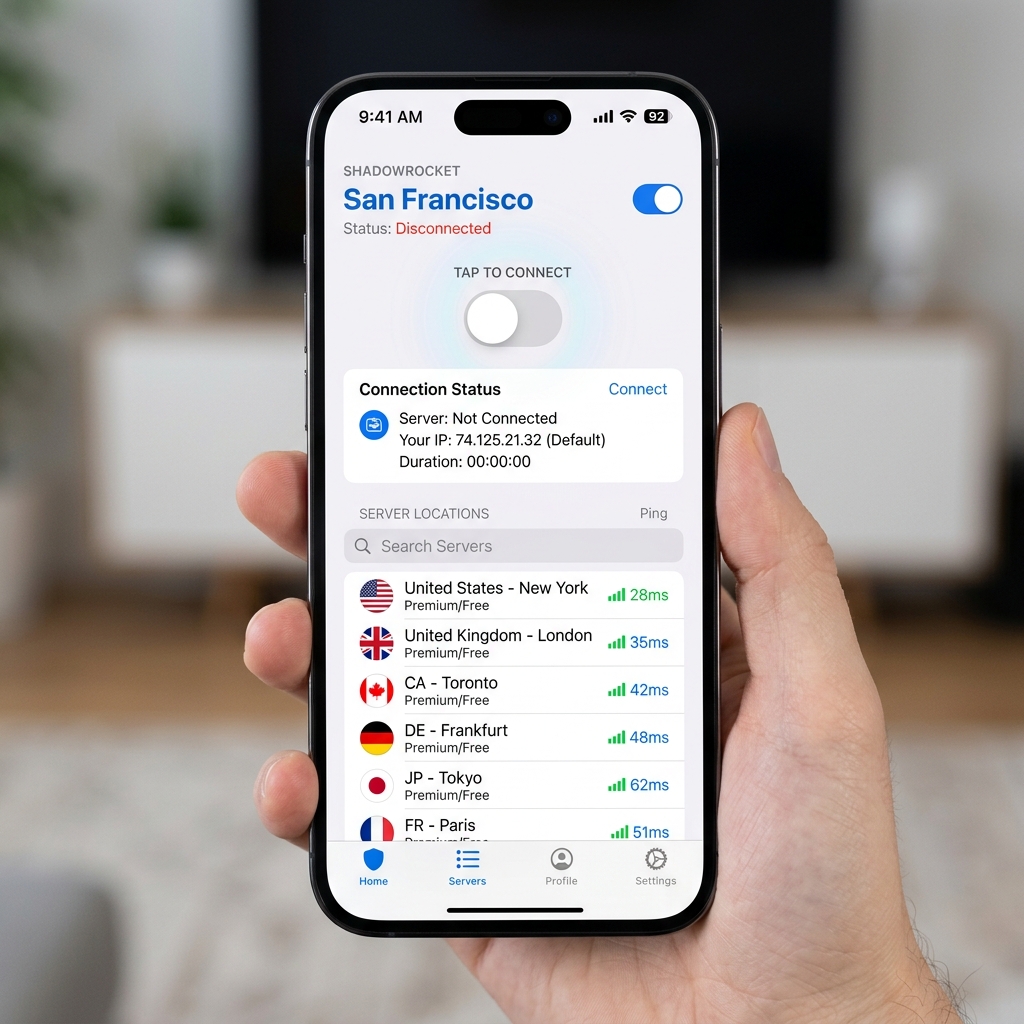
-
Step
Enable HWID
Go to Settings section, find Update section, find the Subscribe item and toggle Send HWID to ON position
-
Step
Add Subscription
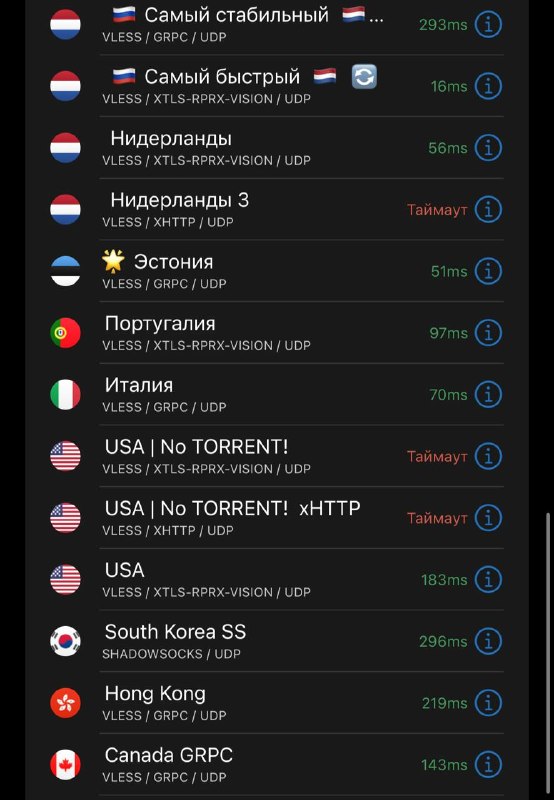
Click the button below — the app will open and the subscription will be added automatically
-
Step
Add routing rules
By adding routing, internal websites and applications are not passed through the VPN
-
Step
Connect and use
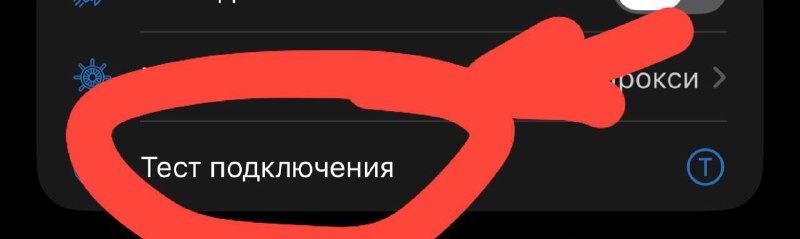
In the main section, click the large power button in the center to connect to VPN. Don't forget to select a server from the server list. If needed, choose another server from the server list.
Need Help?
Ask our instant AI Assistant trained on all @OutlineKeysRobot manuals, open the bot to manage your keys, or message our support team.