iOS · INCY
Installing & Configuring INCY on iOS
Step-by-step guide to installing INCY on iOS, importing your VLESS subscription in 1 click, and configuring routing.
-
Step
Download INCY
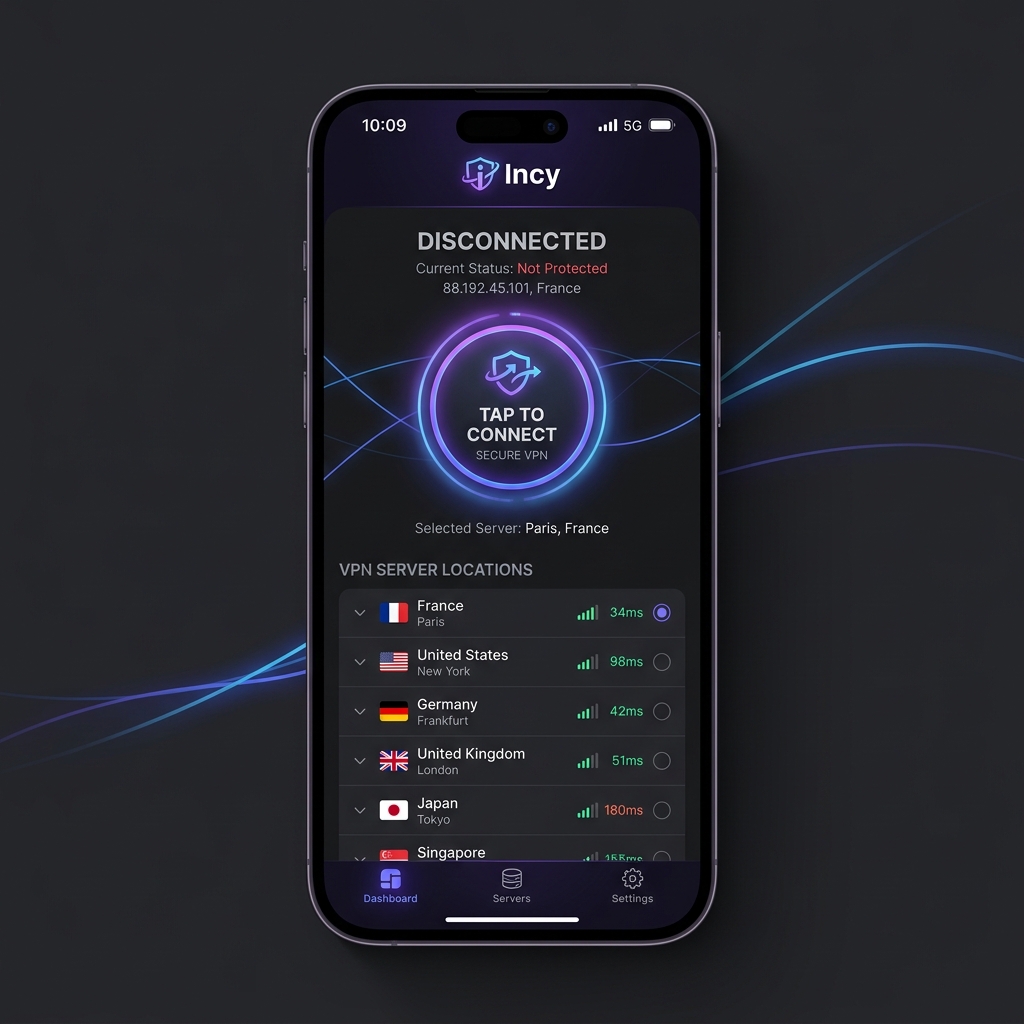
1. Download INCY (Global App Store only). Temporarily unavailable in the Russian App Store — change your region or use UXWay.
2. Open, allow everything the app needs to work.
3. Enable XrayTUN in the app's Advanced Settings.Important: Do not download fake Happ apps from the Russian App StoreInstall INCY only via the Global App Store button below. If the App Store says the app is unavailable in your region, change your Apple ID region to Kazakhstan first or use UXWay.
-
Step
Enable Xray TUN and TCP PING.
This is important for stable operation.
Settings => Tunnel => Use Xray-TUN
Settings => Ping Settings => TCP Ping. -
Step
Add a subscription to the app
Click on the button below to add a subscription. Check the Routing section -- the OutlineKeysRobot 4 JSON rule should be added automatically.
Need Help?
Ask our instant AI Assistant trained on all @OutlineKeysRobot manuals, open the bot to manage your keys, or message our support team.